
IT Asset Retrieval for  by Zoho
Easily recover company-owned equipment with only a QR code, accepted at 5,800+ UPS Stores without a box or label. Retrieve or refresh laptops, monitors, mobile devices and more. Issue returns from ServiceDesk Plus, and pay only for successful returns, not empty boxes.
Releasing early November 2026
 Marketplace
Drop-off partner

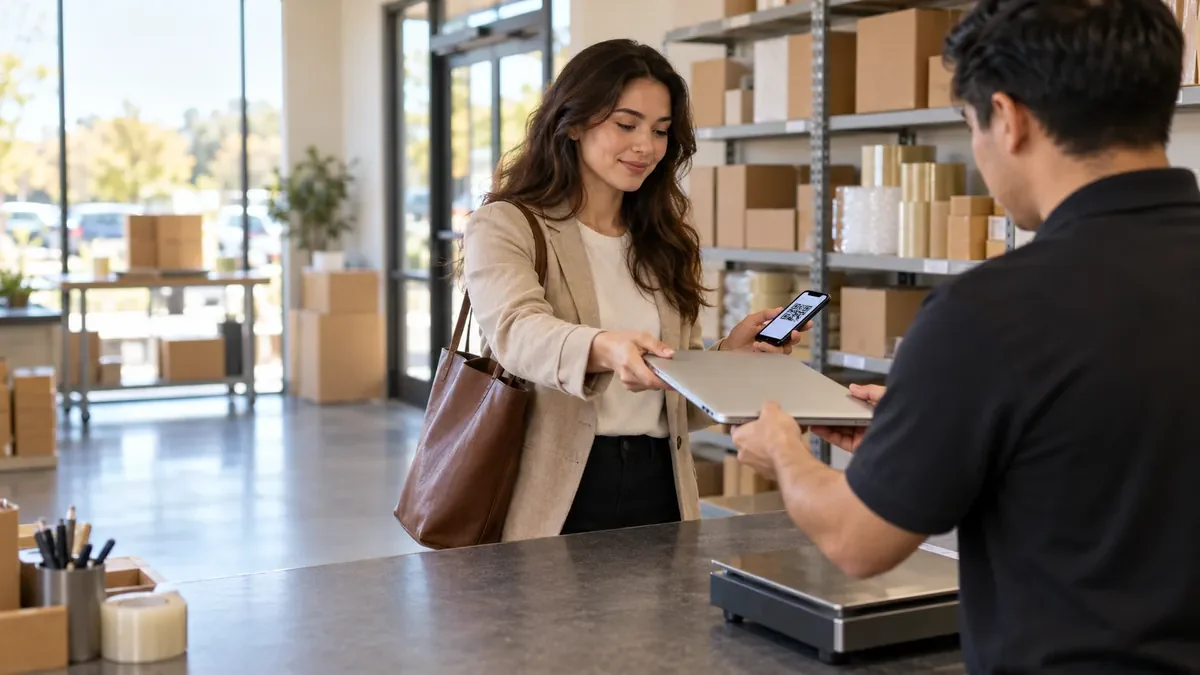
 Employees drop off company equipment at 5,800+ UPS Store locations. No box, no label, no problem.
Our customers







Employees bring their QR code and device to any UPS Store. UPS scans it, packs it, and ships it. Reminders, tracking and reporting run automatically from ServiceDesk Plus.
A QR code for asset retrieval is automatically sent by email, directly from ServiceDesk Plus.
The employee drops off IT assets at any of 5,800+ UPS Stores.
Watch asset retrieval rate improve and put time back in your day.
Stage 1·Issue
A QR code for asset retrieval is automatically sent by email the moment the offboarding request calls for it.
Stage 2·Remind
Reminders go out by email on the cadence you set until the asset is scanned at The UPS Store.
Stage 3·Drop off
The employee drops off IT assets at any of 5,800+ UPS Stores. UPS staff package, label and ship each asset to the requirements set for it.
Stage 4·Track
Get notifications when your IT assets have been scanned received by UPS, and see the chain of custody from QR code to delivery.
Stage 5·Route
Returned assets can be categorized and shipped to different office locations or distribution centers.
Stage 6·Report
Detailed tracking, time in transit, delivery and aging reports, included!
The ReadyCloud difference
When you send a box to an offboarded worker, you pay to ship it whether or not the laptop comes back. Issue ReadyCloud QR codes instead, and pay only when the asset is returned.
Paid up front
Postage on every box kit sent
Worker packs it
Box, tape, label and a carrier trip
Hours spent on every return
Sending boxes, reminders, and tracking by hand
Missing devices
Box kits sit unopened and unreturned
Limited visibility
Not sure what's returned or in transit
Address required
Collected and verified before a box ships

Pay on return
Billed only when UPS scans the asset
No box or label needed
UPS packs and ships it for the employee
Fully automated
QR codes, reminders and tracking run on their own
30%+ more recoveries
Compared to box-send methods
End-to-end tracking
Chain of custody from QR code to delivery
Just an email address
No home address or PII needed to issue a return
Solution
Retrieve or refresh laptops, monitors, mobile devices and more, from any remote or offboarded employee, with only a QR code.
Join the Waitlist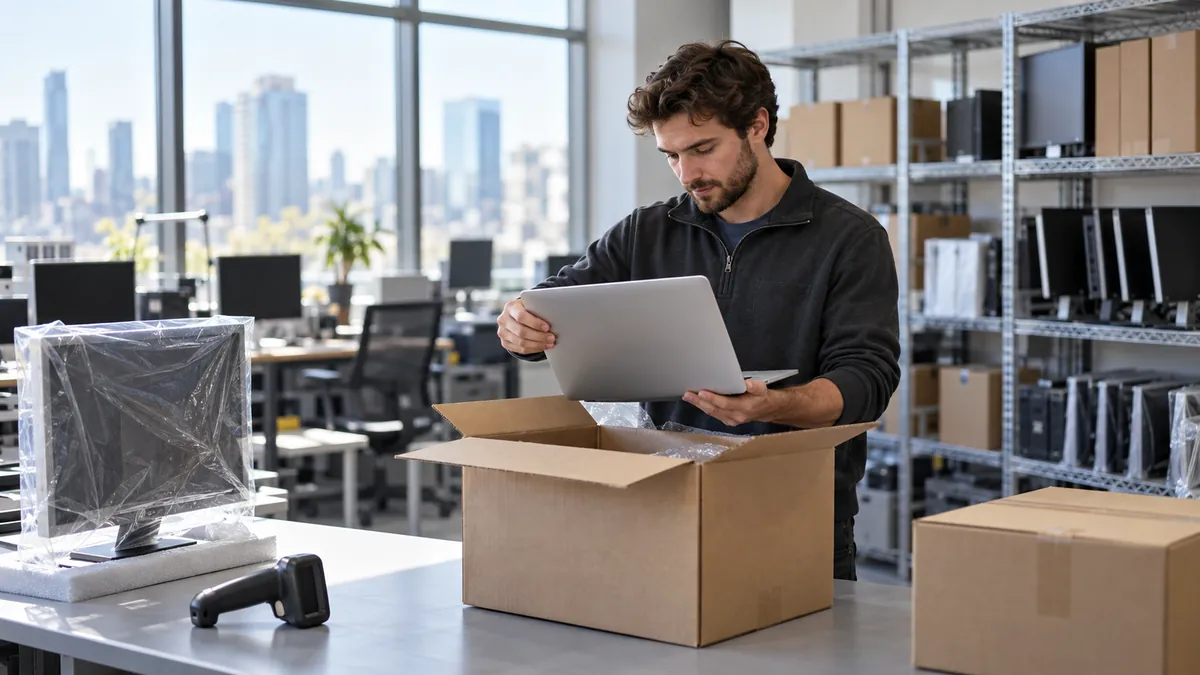
Built into ServiceDesk Plus
ReadyCloud integrates directly with Zoho ManageEngine ServiceDesk Plus. Asset retrievals and follow-ups go out from the request (ticket) automatically and tracking details post back to it, greatly alleviating administrative lift and giving your IT team hours back for projects and support requests.

 ReadyCloud Asset RetrievalJust now
QR codes attached to the Employee Offboarding - Hardware Return email and sent
ReadyCloud Asset RetrievalJust now
QR codes attached to the Employee Offboarding - Hardware Return email and sent
 DeliveredPosted to request
No box. No label. No problem.
Employees return equipment at UPS with just a QR code, no box or label needed. UPS handles the packing and shipping.
Each QR code is custom-coded for your company and IT assets. It specifies the return destination, how equipment should be packaged and the shipping method.
Completely automated
ReadyCloud automates asset retrieval from start to finish.
QR codes go out after creating an employee offboarding incident, and email reminders follow up until the employee drops off their devices at UPS. Tracking information posts back to the request (ticket) automatically, so nobody on your team has to send a box, follow-up email or chase down devices.
Tracking and visibility
See who has and who has not returned devices, plus the transit status of every return. A chain of custody documents each step of the return from QR code to delivery. Built-in analytics show how many devices came back, how long it took and more, across your entire organization.
Install the app once from the ManageEngine Marketplace. From then on, every asset retrieval starts and ends on a ServiceDesk Plus request.
Find ReadyCloud Asset Retrieval on the ManageEngine Marketplace and install it into ServiceDesk Plus.
Marketplace
ReadyCloud Asset Retrievalfor ServiceDesk Plus
Install
Built for
Developed byReadyCloud
Offboarding template
Prepaid UPS QR codes
Pay-as-you-go wallet
Up to 82% off UPS rates
Installed
Use the New Employee Offboarding template. Add the employee's email and the assets to recover.
ReadyCloud Asset Retrieval
2 assets to recover
ReadyCloud shows what the retrieval costs and issues a prepaid UPS QR code for every asset.
 Asset Retrieval for ServiceDesk Plus
QR codes, email alerts and UPS tracking land on the request, so the whole return lives in ServiceDesk Plus.
ReadyCloud Asset RetrievalJust now
Laptop 13" to 14"QR ready
ReturnAny UPS Store, no box or labelUPS tracking1Z 999 AA1 01 2345 6784
QR issuedScanned at UPSIn transitDelivered
Posted to requestEmployee Offboarding
Not on ServiceDesk Plus? ReadyCloud also works with Jira, ServiceNow, Freshservice, HaloITSM and NinjaOne.
See every integrationEngage your remote workers with asset retrieval that fits their daily routine. More than 5,800 UPS Store locations nationwide professionally package and return your hardware assets.
5,800+ UPS Store locations
Testimonials
 illustrative portrait, real review
"It's intuitive, user-friendly, and has already saved our IT department valuable time that we can now spend on other priorities. We were up and running within just a few hours."
 illustrative portrait, real review
"Everything's arrived very well. On all the ones we've gotten back so far, all 26 of them have just been great. The experience has been awesome."
Also trusted by
