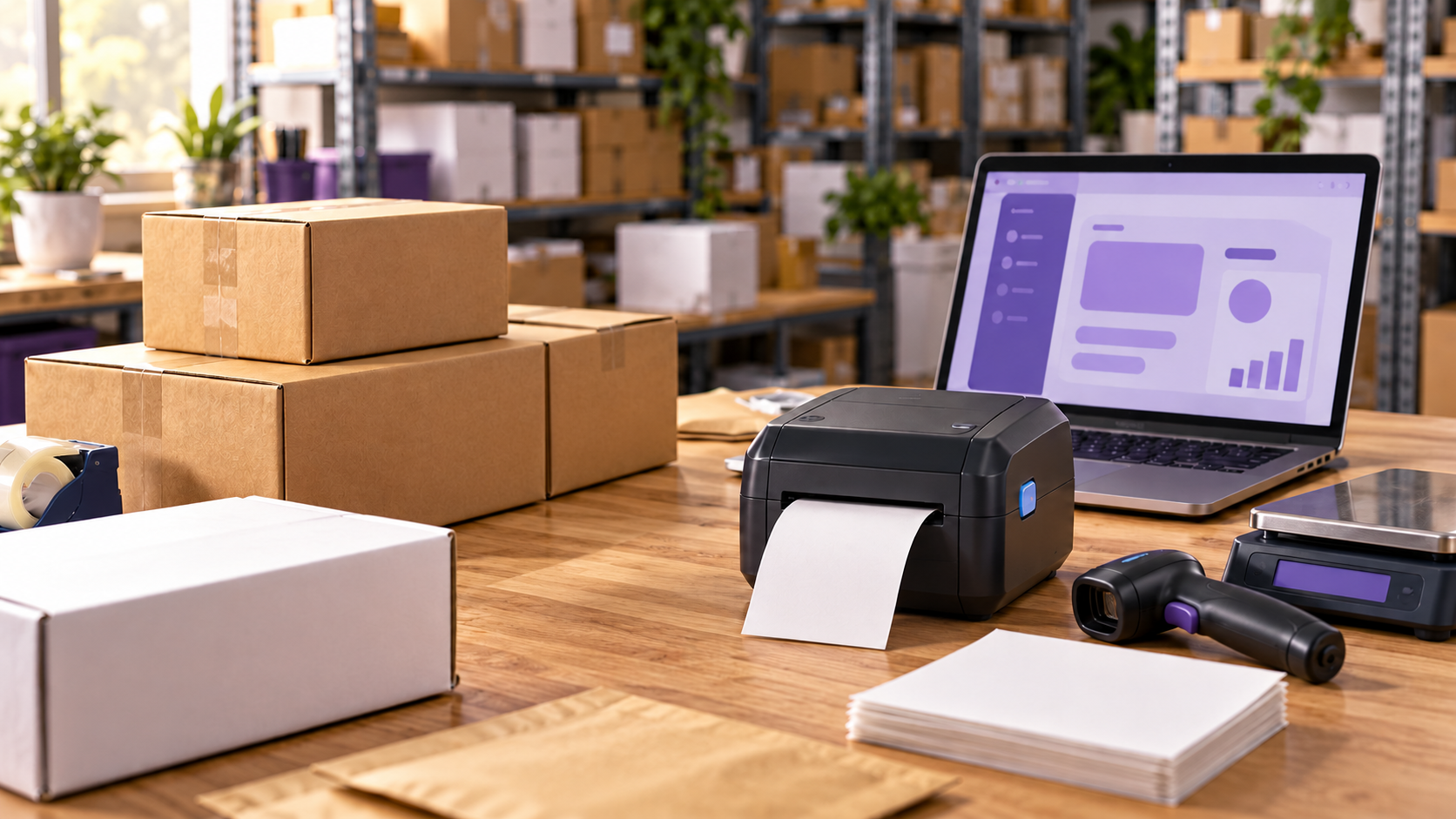
To set up USPS shipping in WooCommerce, configure your shipping zones, add accurate product weights and dimensions, and connect tools for checkout rates, label printing, and tracking. USPS Shipping Method supplies live checkout rates, while WooCommerce Shipping lets you purchase postage and save tracking to orders. Merchants with more demanding fulfillment requirements can connect ReadyShipper X for USPS shipping, multi-carrier rate shopping, and automation.
When a customer selects shipping at checkout, the process continues through packing, postage purchasing, label printing, and delivery updates. Each step needs accurate information, and your team needs a clear way to move the order forward.
Your WooCommerce shipping integrations and plugins should support the orders you actually receive. A single shirt, a mixed-product cart, and a bulky boxed item can require different packaging and shipping decisions.
“The post-purchase experience deserves a seat at the executive table because it affects both brand equity and margin. A better return process can reduce service volume while increasing customer confidence. Clearer shipping communication can lower inbound tickets while improving trust. Faster resolution can protect repeat purchases. Cleaner workflows can reduce stress on teams and make the business easier to scale.” Read Article on Forbes

What Do You Need to Set Up USPS Shipping in WooCommerce?
You need accurate store and product information, defined shipping destinations, and tools that support your checkout and fulfillment requirements.
Before installing an extension, gather:
- Your shipping origin address.
- The countries and regions you serve.
- Product and variation weights and dimensions.
- Package measurements and packaging weights.
- Your customer-facing shipping policy.
- A label printer or standard printer.
Decide how customers will pay for shipping. You might offer live USPS rates, a fixed charge, weight-based pricing, or free shipping above a threshold.
Account requirements depend on the integration. WooCommerce Shipping uses Woo’s carrier accounts for postage, so you don’t need your own USPS account for that workflow. It requires a WordPress.com connection and a postage payment method.
Current compatibility also deserves attention. USPS retired its legacy Web Tools platform on January 25, 2026, making older credential instructions unsuitable for some current setups.
Choosing WooCommerce integrations that connect ecommerce operations early helps you plan how orders and shipment information will move between tools.

Which USPS Shipping Plugin Should You Use for WooCommerce?
Choose shipping tools based on the capabilities you need. Checkout rate calculation, label purchasing, and warehouse fulfillment are different jobs.
Finding the best shipping plugin for WooCommerce starts with identifying which of those jobs your team handles manually. Your WooCommerce shipping plugin comparison should account for tracking compatibility, carrier support, automation, and order volume.
WooCommerce Shipping doesn’t provide live checkout rates. The USPS Shipping Method can supply those rates alongside the label-purchasing extension.
ReadyShipper X supports fulfillment after the order arrives. Evaluate its carrier rate shopping as part of the shipping workflow rather than assuming it replaces checkout pricing.
“In my experience, the most effective enterprise organizations are the ones that make it easy for people to understand what needs to happen next. This is because simplicity isn’t about removing capability. On the contrary, it’s about removing unnecessary friction.” Read Article on Forbes
How Do You Set Up USPS Shipping Rates in WooCommerce?
For live USPS rates, install USPS Shipping Method, add it to the relevant shipping zone, and configure your origin, services, and packing settings.
Follow this sequence:
- Choose your pricing approach. Decide whether checkout will display live rates or merchant-defined charges.
- Install the extension. Activate USPS Shipping Method if you need calculated USPS options.
- Configure shipping zones. Open WooCommerce → Settings → Shipping → Shipping zones.
- Add USPS to the appropriate zone. Edit the zone, select Add shipping method, and choose USPS.
- Review method settings. Configure the origin postcode, enabled services, rate type, packing behavior, and any fallback charge.
- Check product information. Confirm weights and dimensions for products and variations.
- Test realistic carts. Include different quantities, product combinations, and destinations.
A fallback charge lets checkout continue when a live rate isn’t returned. Set it carefully because the shipment still needs coverage, and investigate recurring failures.
Merchants seeking predictable pricing can use weight-based shipping in WooCommerce to connect cart weights with predefined charges. Custom connections may also use WooCommerce shipping APIs to move order and shipment information between systems.
“The post-purchase experience shapes your brand just as much as what draws a customer to it before they buy. Branding or advertising begin to shape customer confidence, but the experience that follows checkout influences loyalty more.” Read Article on Fast Company

How Do You Print USPS Shipping Labels in WooCommerce?
WooCommerce Shipping lets you purchase USPS postage and print labels from an order. Connect the extension, validate your origin address, and configure payment before processing shipments.
Open an order that’s ready to ship and start creating a label. Confirm the recipient address, packed weight, dimensions, and selected service before purchasing postage. Choose the appropriate print format, such as a 4 × 6-inch label or letter-size paper.
Weigh the finished package. A product’s catalog weight may exclude the box, mailer, inserts, and protective material used during packing.
Test the printer before your first fulfillment session. Check that addresses remain readable, barcodes are clear, and labels print without clipping or unwanted resizing.
For teams using a separate shipping application, ReadyShipper X’s WooCommerce connection brings store orders into the fulfillment workflow.
The amount collected at checkout may differ from the postage purchased. Your pricing policy and actual package details determine how closely those amounts align.
How Do You Add USPS Tracking to WooCommerce Orders?
Tracking should remain attached to the correct order and reach the customer through your shipment notification process.
WooCommerce Shipping saves tracking after a label purchase and includes purchased tracking numbers in the completed-order email. Review when your team completes orders so notifications follow your dispatch process.
For ReadyShipper X, ReadyCloud recommends the official WooCommerce Shipment Tracking extension. Connecting your WooCommerce store to ReadyCloud includes configuring supported tools for posting shipment information back to the store.
Test the notification on a real shipment. Confirm that the tracking link works, the correct recipient receives it, and staff can locate the same information.
A generated tracking number doesn’t mean the carrier has received the package. Label creation and carrier acceptance occur at different points in the process.
“System failure often shows up in other ways. For example, a customer service employee may not be able to answer a basic question without opening four systems and four tabs. The warehouse team may be unable to reach the right person. Or a shipment delay can create five internal messages to five different people, each with multiple support tickets attached.” Read Article on Fast Company
What Should You Test Before Launching USPS Shipping?
Test the complete order journey before customers depend on it. Include variations, mixed carts, different destinations, and free-shipping conditions.
Testing should reflect what customers buy. Two shirts and a boxed accessory may require different packaging than either product alone.
Document who handles failed rate requests, label problems, and missing tracking updates. Clear ownership helps your team resolve issues before orders accumulate.
What Are the Benefits of USPS Shipping for WooCommerce Stores?
USPS gives merchants another carrier option for matching packages to shipping costs and delivery requirements. Supported integrations can connect commercial label rates, postage purchasing, and tracking to the order workflow.
Connected shipment information also reduces repeated work. Staff can spend less time retyping addresses, copying tracking numbers, and searching separate systems for updates.
USPS won’t be the most suitable carrier for every shipment. Compare services against actual package characteristics and customer expectations rather than assuming one carrier should handle every order.
What Is a USPS Plugin Alternative for Growing WooCommerce Stores?
ReadyShipper X is an option for merchants who need USPS shipping within a broader fulfillment operation. Growing teams often need advanced shipping software for WooCommerce that supports carrier selection, batch processing, and shipping rules.
ReadyShipper supports multi-carrier shipping, rate shopping, automation, and batch fulfillment. Scan to Verify helps teams check items and quantities before shipment, while scan-to-print workflows support label production at the packing station.
Those capabilities become useful when staff repeatedly make the same decisions across large groups of orders.
For businesses using an ERP, a WooCommerce and NetSuite integration also belongs in the fulfillment plan. Orders and shipment updates need to move between the systems your teams rely on.
Evaluate software against representative orders, equipment, and staffing before choosing a workflow.
“Customers don’t separate departments. They don’t care whether a delay came from the carrier, the warehouse, the support team or the return platform. They only know whether the brand made the experience easy or painful.” Read Article on Forbes
Connect USPS Shipping to a Better Fulfillment Workflow
Accurate product information, tested checkout options, readable labels, and connected tracking give your shipping process a dependable foundation. As order volume grows, evaluate whether your tools still support the way your team works.
ReadyCloud’s WooCommerce shipping integration connects your store with ReadyShipper X for USPS shipping, multi-carrier fulfillment, automation, and shipment updates.
ReadyCloud Has You Covered!
Success in ecommerce starts with the right tools, and ReadyCloud’s suite of solutions is designed to propel your ecommerce business to new heights. With ReadyCloud, you’ll have all your data centralized in one place, offering insights that drive smarter decisions. Take your marketing to the next level with Action Alerts, delivering growth-focused, automated campaigns that keep your customers engaged.
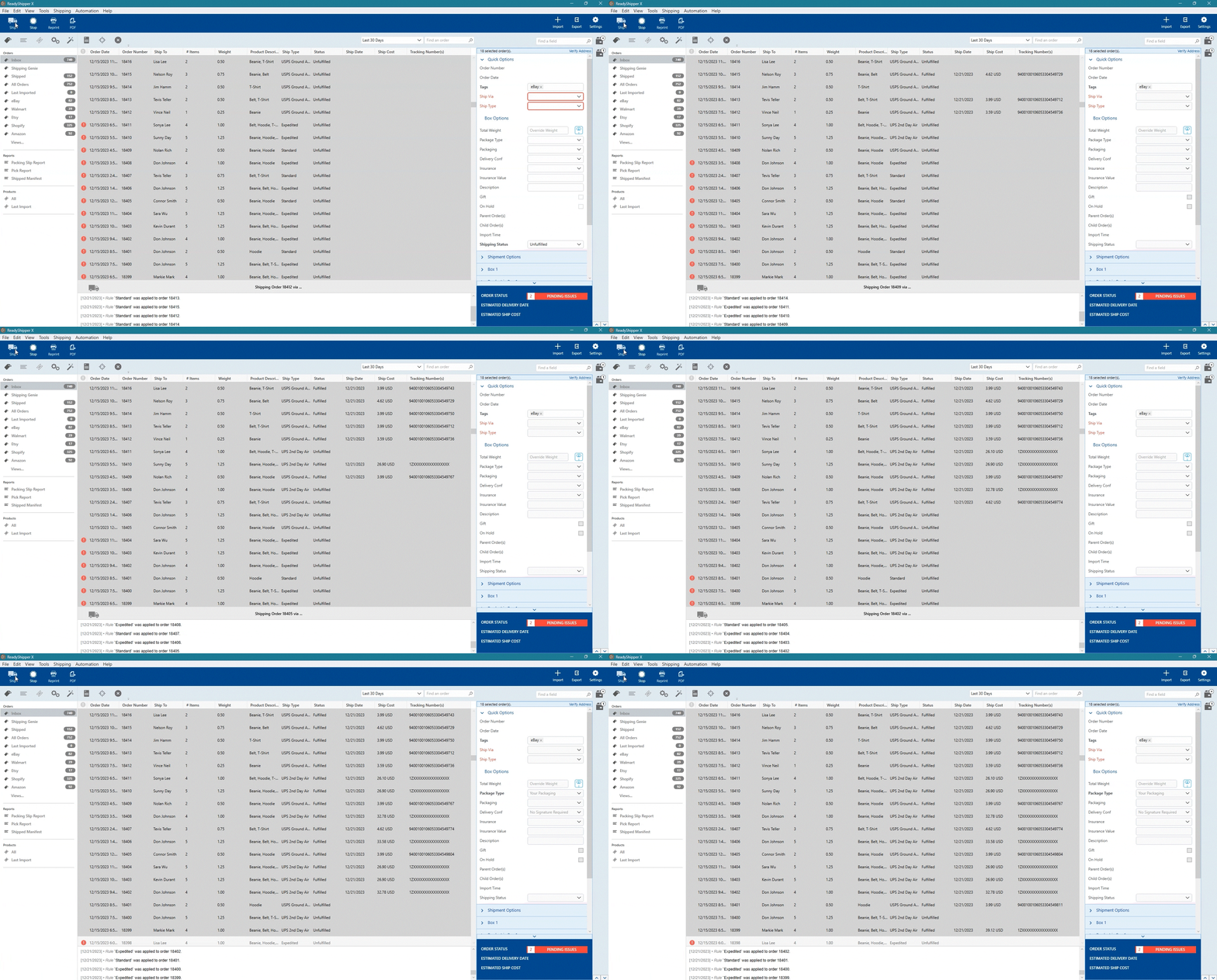
Shipping is easier than ever with ReadyShipper X, a multicarrier solution that simplifies your fulfillment process while saving time and money.
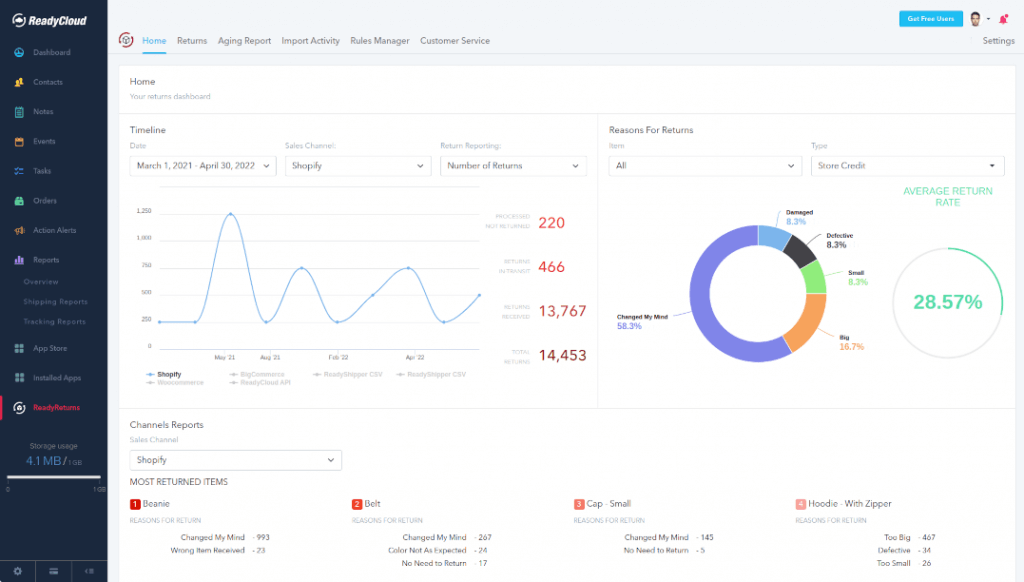
And when it comes to returns, ReadyReturns streamlines the entire process with an automated solution that boosts customer satisfaction and loyalty.
ReadyCloud is more than just a suite of systems—it’s your ticket to thriving in 2026 and beyond!
Start your journey to success today! Learn more and get started here.
Or contact our Sales Department at: 877-818-7447 ext. 1.
Frequently Asked Questions About USPS Shipping in WooCommerce
Can I offer USPS shipping without live checkout rates?
Yes. Charge a merchant-defined shipping amount and purchase USPS postage during fulfillment. Review that charge against actual shipment costs regularly.
Does WooCommerce Shipping provide live USPS checkout rates?
No. Use a compatible checkout-rate extension, such as USPS Shipping Method, for that capability.
Do I need my own USPS account?
Requirements vary by integration. WooCommerce Shipping uses Woo’s carrier accounts for label purchasing.
Can customers receive tracking automatically?
Yes, with supported shipping tools and correctly configured order notifications. Test the customer-facing email before launch.
Why aren’t USPS checkout rates appearing?
Check shipping-zone matching, product measurements, origin settings, enabled services, and the API connection. Review extension logs when the cause isn’t clear.